- Ease the configuration and the setup of a laser triangulation scanner using the Coaxlink Quad 3D-LLE or the Coaxlink Quad CXP-12 3DL-LLE
- Simplify the calibration procedure
- Display interactive Depth Maps, 3D Point Clouds and Zmaps
- Free of charge
Description
Open eVision 3D Studio: The 3D Evaluation And Prototyping Application Tool Of Open eVision
The Open eVision 3D Studio application drastically simplifies the configuration of single and dual 3D laser line inspection systems using the Coaxlink Quad 3D-LLE frame grabber, as well as the Easy3D and Easy3DLaserLine libraries.
Open eVision 3D Studio is free and does not require any license.
Main Benefits
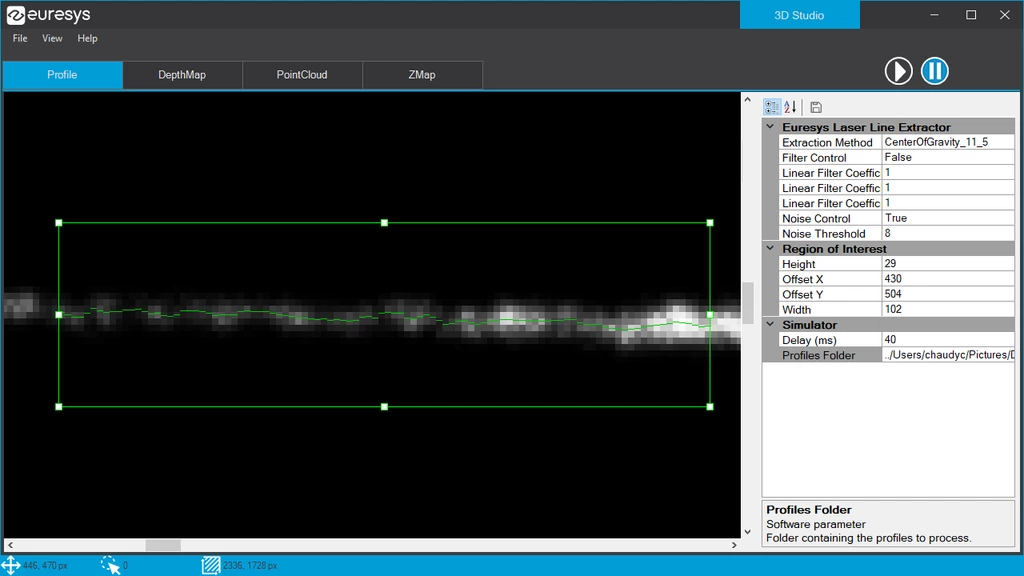
Display Extracted Laser Lines
3D Studio displays the extracted laser line directly on live images. It is a very useful feature to tune the mechanical setup, the camera exposure, region of interest and other Coaxlink Quad 3D-LLE parameters.
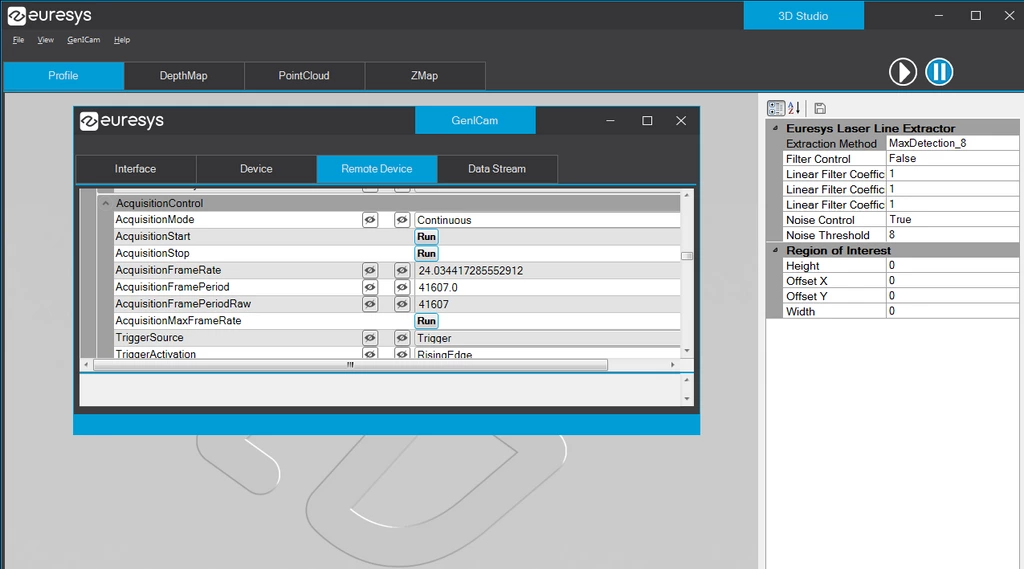
GenICam Parameters
The GenICam parameters of the Coaxlink Quad 3D-LLE are available in the 3D Studio. A subset can be selected to appear on the Profile or Depth Map panels, for a live tuning of the acquisition and extraction parameters.
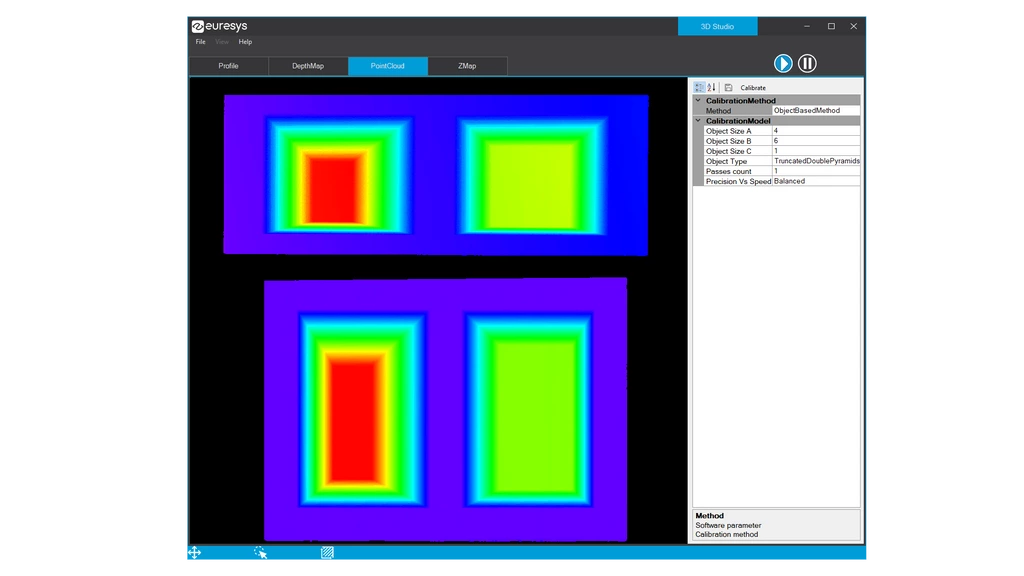
3D Data Containers
Open eVision 3D Studio presents the Easy3D workflow in four control panels: from laser line profiles to depth maps, then to calibrated point clouds and finally to ZMaps. The object-based calibration of Easy3D is available and the resulting model can be saved.
Download Open eVision